How to Order on Vhagar Market
1. Browse & Find Products
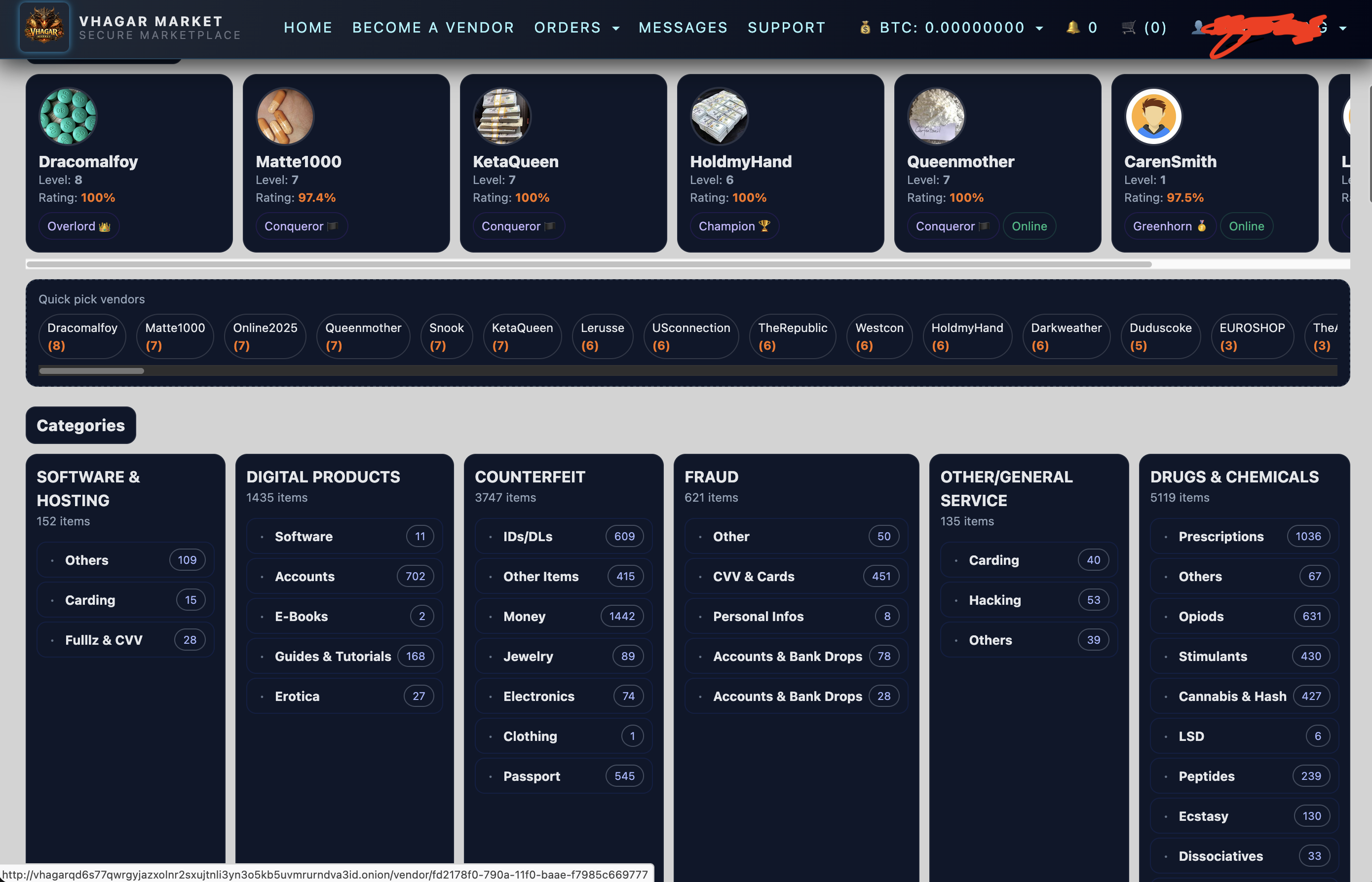
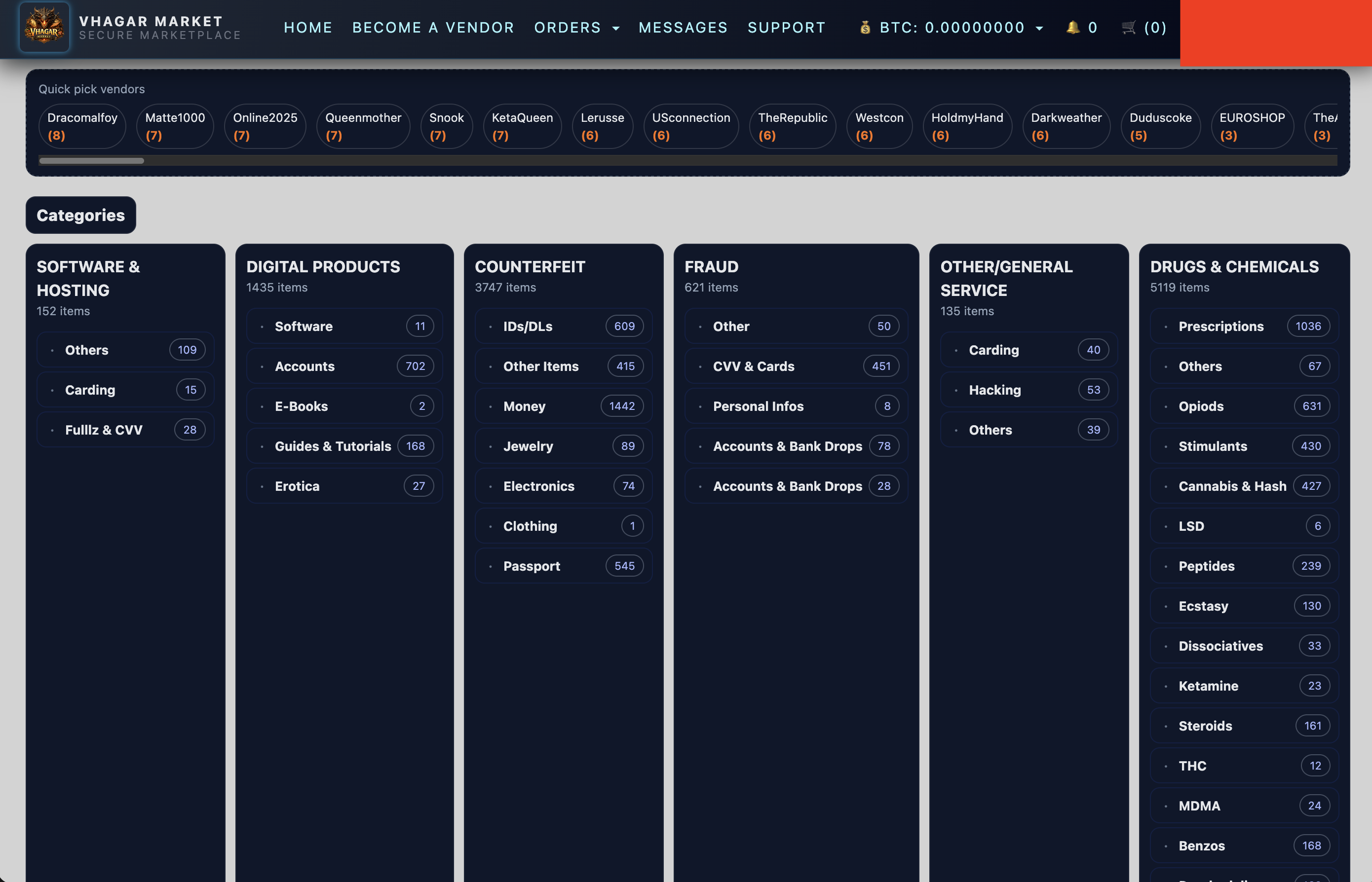
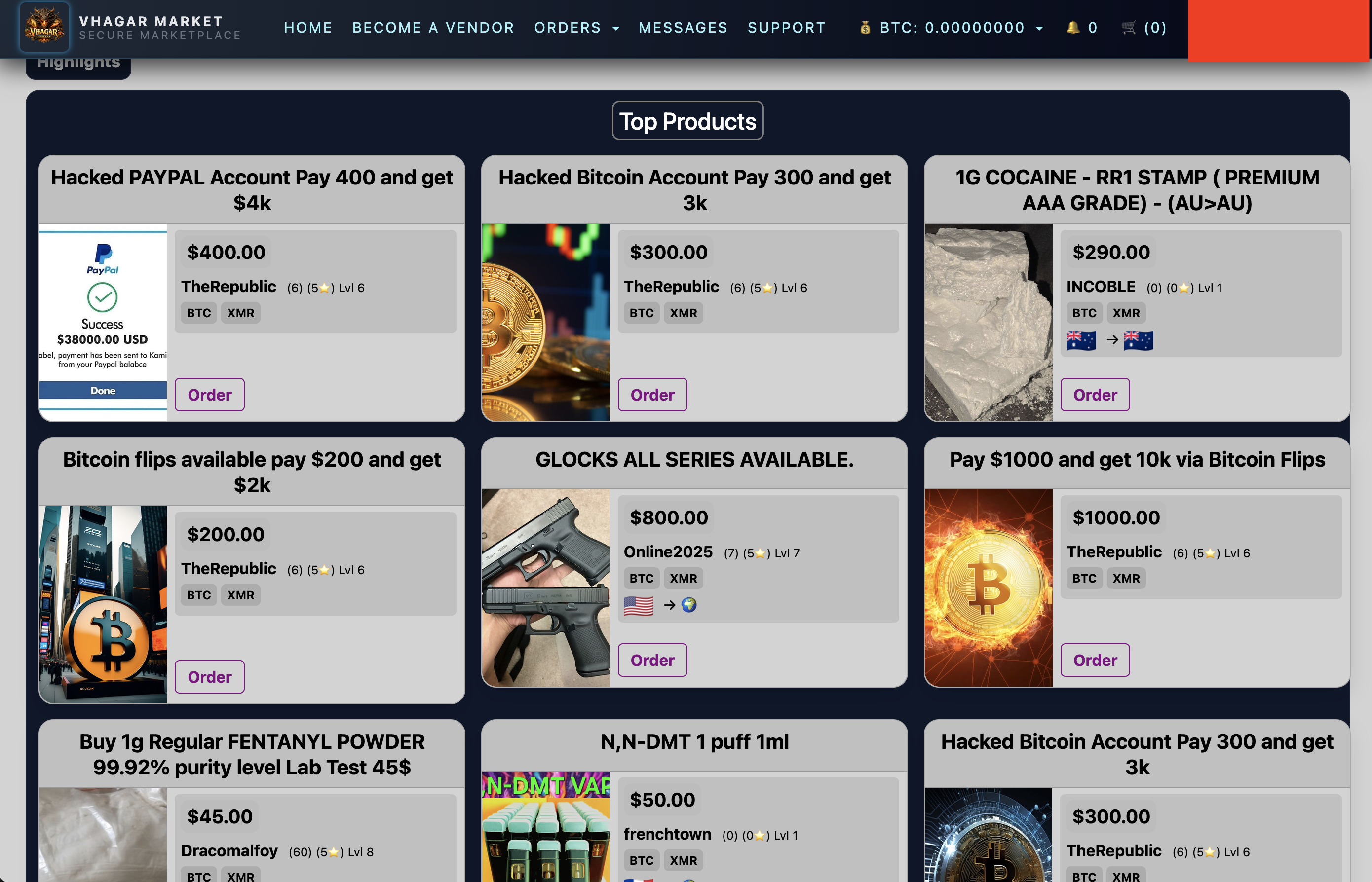
Log in and explore the category listings. Vhagar organizes products by type — digital goods, physical items, services — so you can filter quickly. Use the search function for specific items.
2. Check the Vendor
Before buying, click the vendor's profile. Look at:
- Rating score — higher is better; below 90% is a warning sign
- Order count — more completed orders = more reliable
- Dispute rate — high dispute rates mean recurring problems
- Account age — newer vendors carry more risk
- Response time — vendors who reply quickly are more trustworthy
Stick to vendors with 95%+ ratings and 50+ completed orders for your first purchases.
3. Add to Cart & Checkout
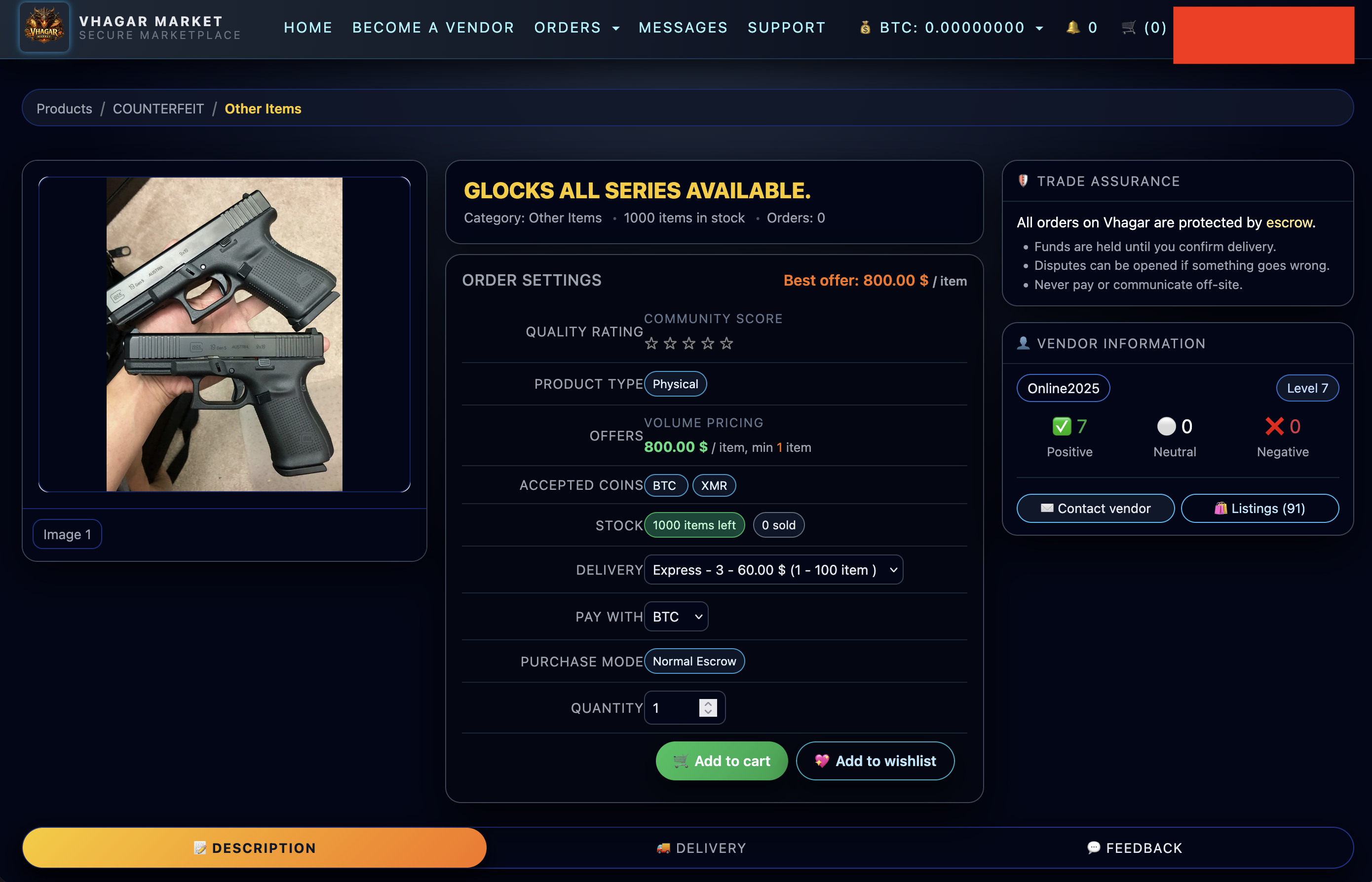
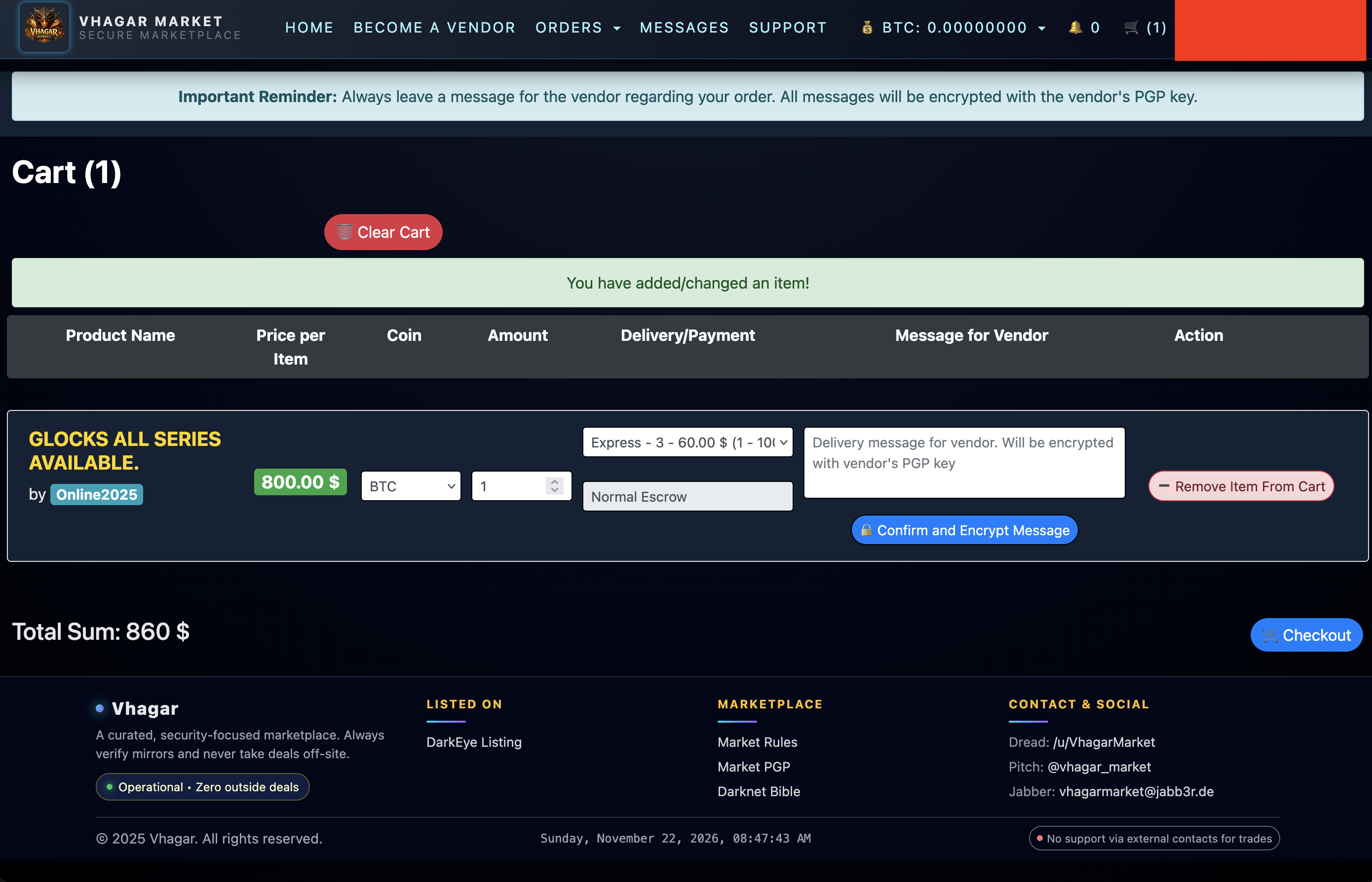
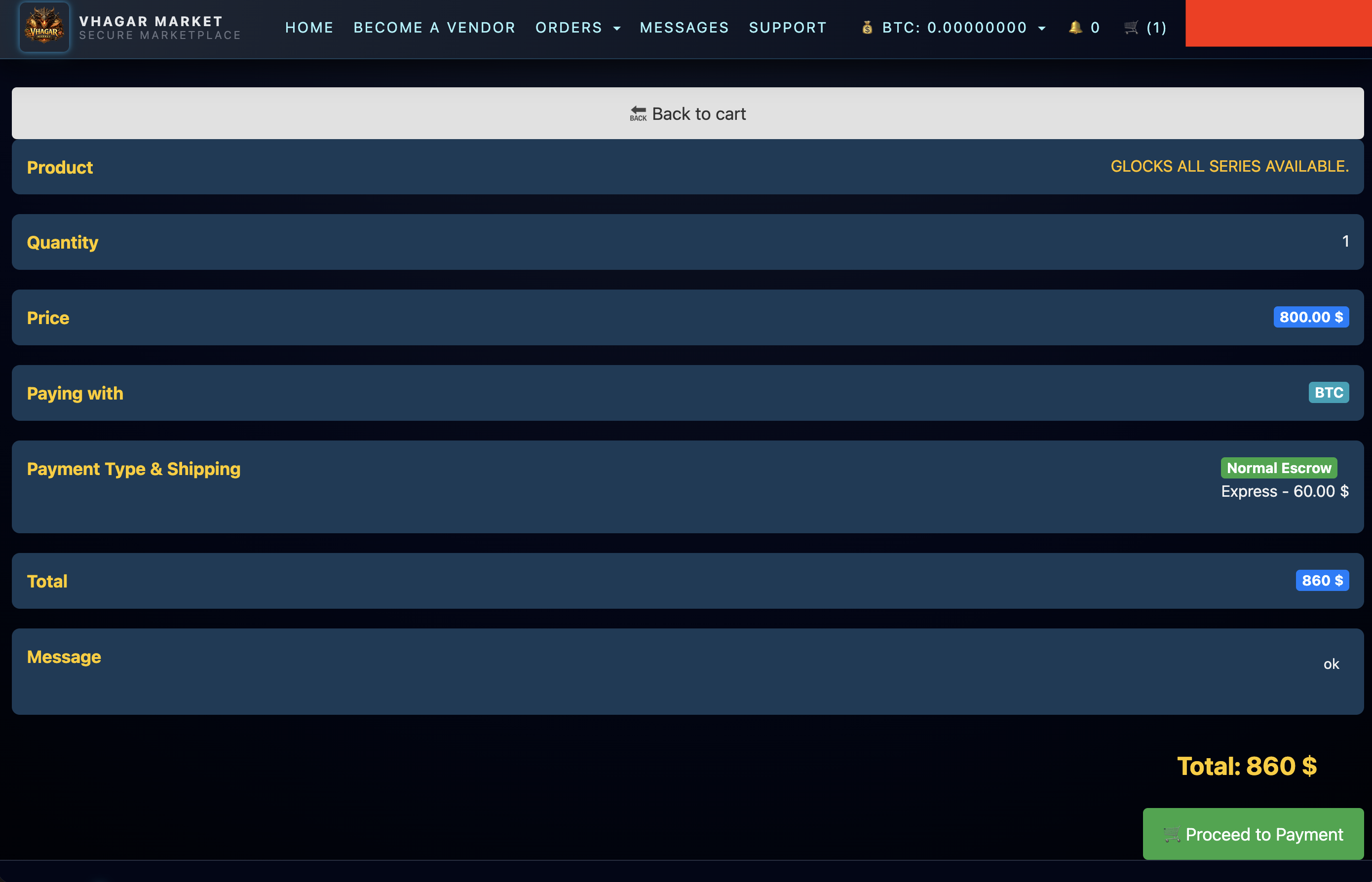
Add the product to your cart. If buying from multiple vendors, you can combine orders — each vendor's portion is escrowed separately. Proceed to checkout and review:
- Item(s) and quantity
- Shipping address (encrypted via PGP)
- Total cost including fees
- Payment method (BTC or XMR)
Confirm and the market deducts the total from your balance into escrow.
4. Payment & Escrow
Your payment is held in multi-signature escrow — the vendor can't access it until you confirm delivery. If you paid from your internal balance, no further action needed. If paying directly, send crypto to the escrow address shown and wait for confirmations.
5. Wait for Delivery
Digital goods often arrive within hours. Physical items take days to weeks depending on shipping. Track order status in your orders page. If the vendor goes silent past the expected window, you can open a dispute.
6. Confirm or Dispute
- Item received as described → click "Finalize" to release escrow to the vendor, then leave feedback
- Item missing/wrong/damaged → click "Dispute," provide evidence (photos, tracking, messages), and the market's arbiters review
Never finalize early. Wait until you have the item in hand and verified. Once escrow releases, recovering funds is nearly impossible.
7. Leave Feedback
After finalizing, rate the transaction. Your feedback affects the vendor's public score — honest reviews keep the market clean. Mention specifics: shipping speed, item quality, communication.
Pro Tips
- Start with small orders to test vendors before big purchases
- Use XMR for payments — better privacy than BTC
- Message vendors before ordering if you have questions — PGP encrypts the chat
- Screenshot order confirmations (they're encrypted but having a local record helps in disputes)
- Don't finalize until tracking shows delivered AND you've verified the item