Getting Started on Vhagar Market — Step by Step
Step 1: Access the Market
Install Tor Browser (the only safe way to reach .onion sites), then navigate to one of Vhagar's verified onion addresses:
vhagarqd6s77qwrgyjazxolnr2sxujtnli3yn3o5kb5uvmrurndva3id.onionvhagarmlhrlj5b7lwja4dhptbvow7hxdnd5tamng3rdsflkz4ur2oqqd.onionvhagargsdw4gnam7plgaqp5gi374rtabjztghtmx72d6wpspc2vw4lqd.onionVerify the market PGP key before registering — this proves you're on the real site, not a phishing clone. See our PGP guide for details.
Step 2: Register Your Account
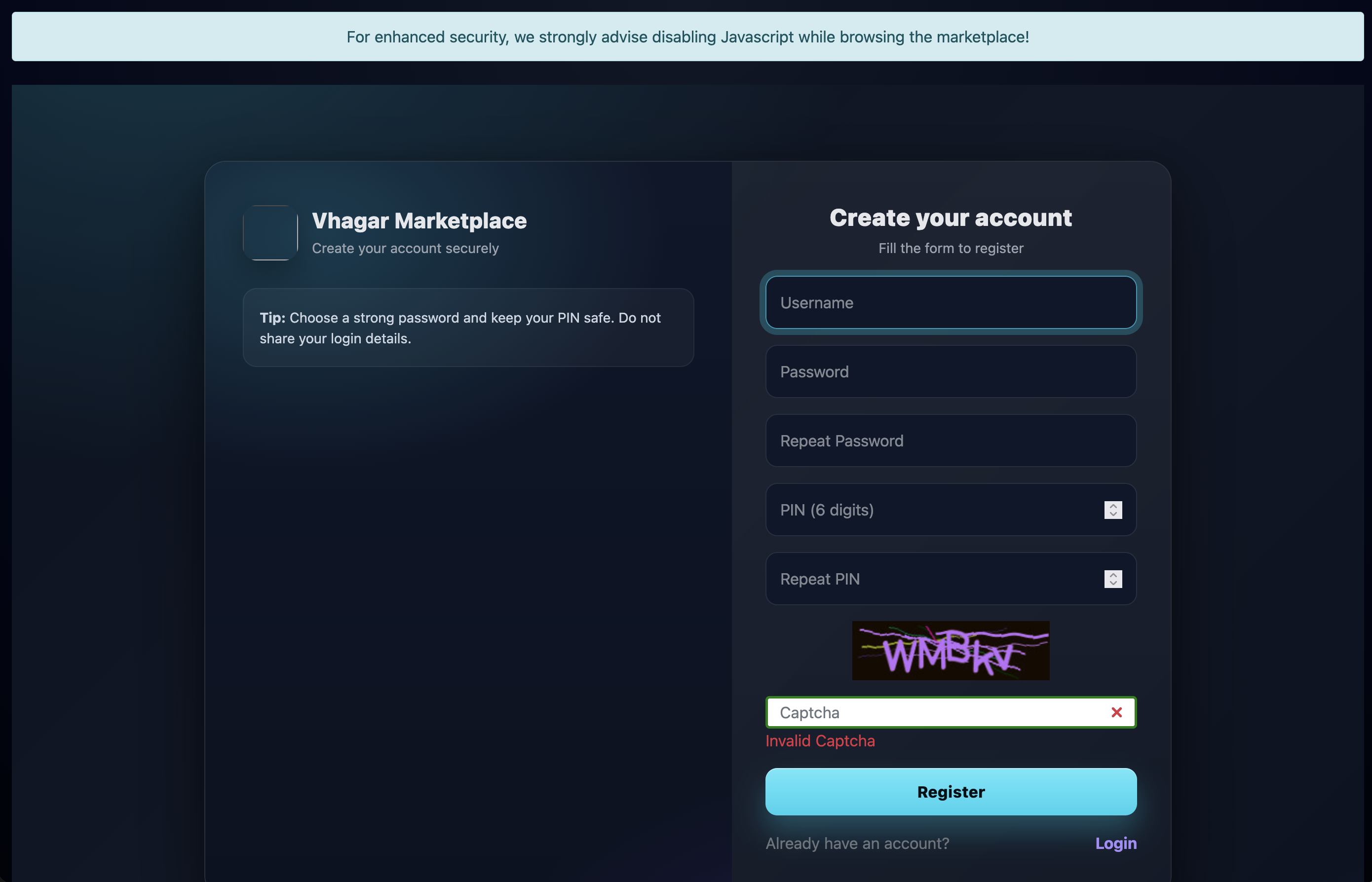
Open the registration page
Click "Register" on the market homepage. You'll need a username, password, and optionally a PGP key for encrypted communications.
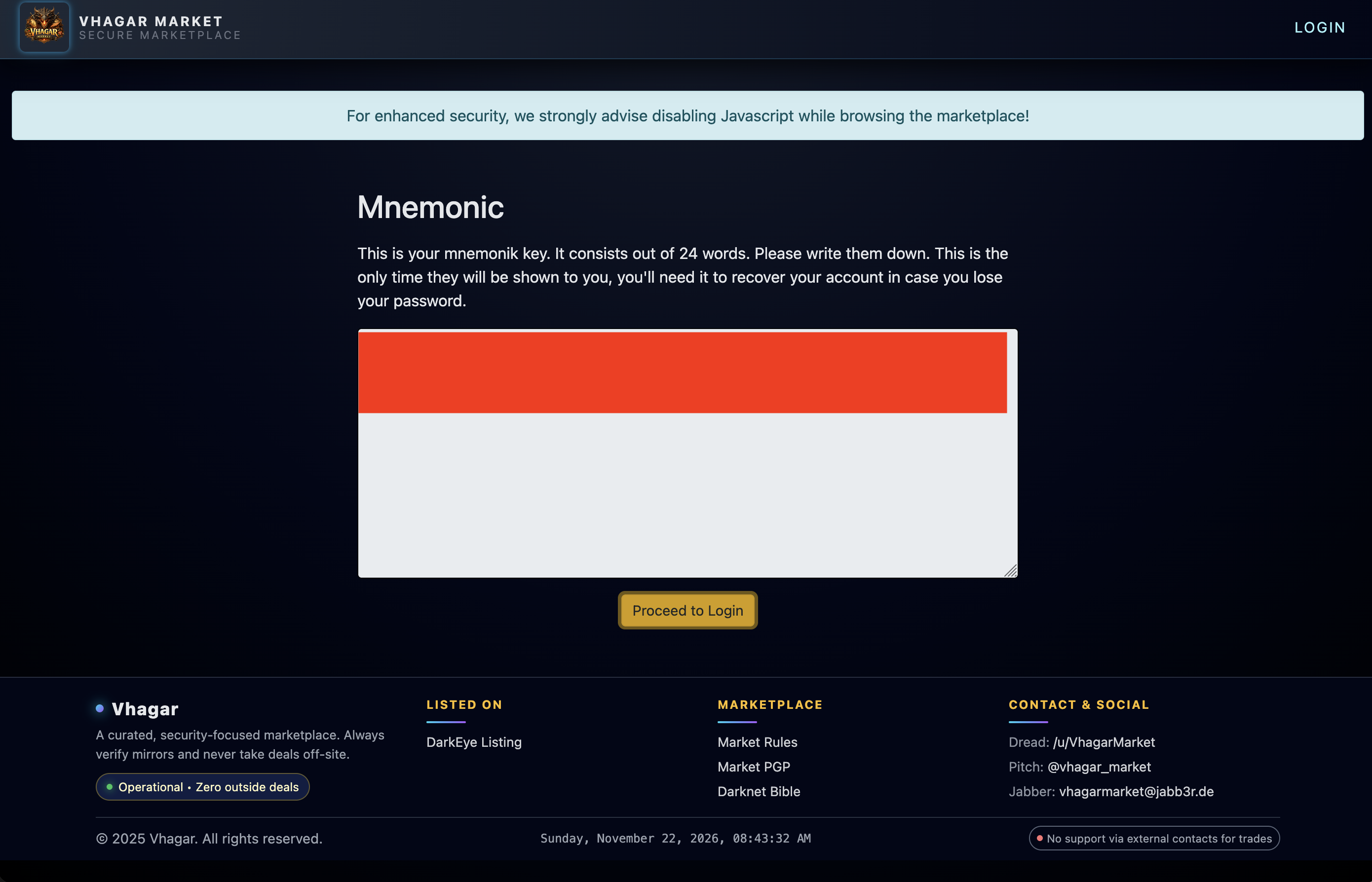
Save your recovery phrase
The market shows a mnemonic recovery phrase — a set of words that can restore your account if you lose access. Write it down and store it offline. Never screenshot it, never store it digitally.
Enable 2FA
Set up two-factor authentication immediately. Market accounts hold escrowed funds — treat the credentials like a bank account.
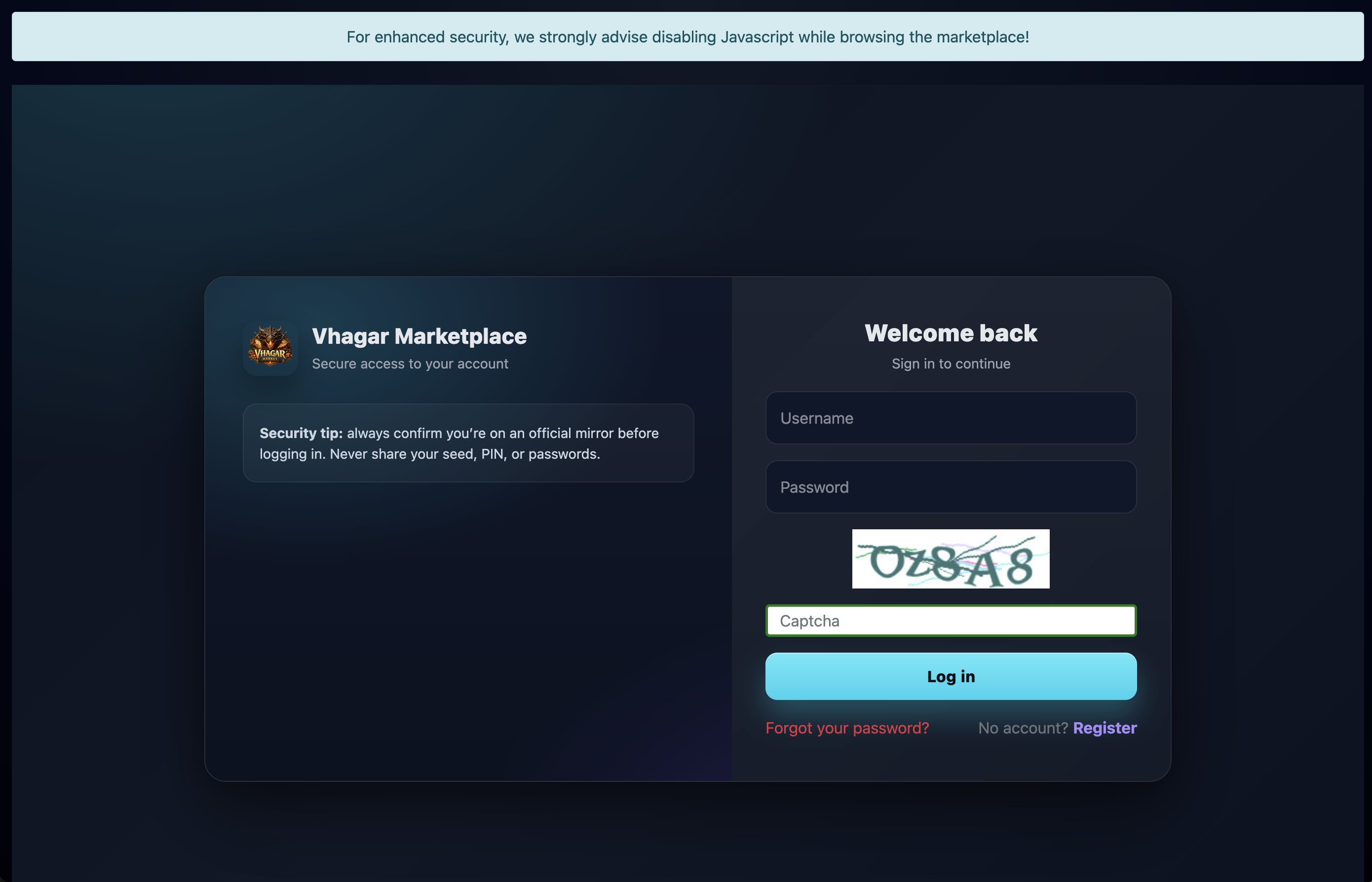
Log in
Use your username + password + 2FA. First login may prompt you to confirm your PGP key — follow the on-screen instructions.
Step 3: Set Up PGP
Vhagar enforces PGP for sensitive actions. Generate a PGP key pair (see PGP guide), upload your public key to your profile, and verify the market's key fingerprint against the published one. This takes 10 minutes and protects every message you send.
Step 4: Fund Your Account
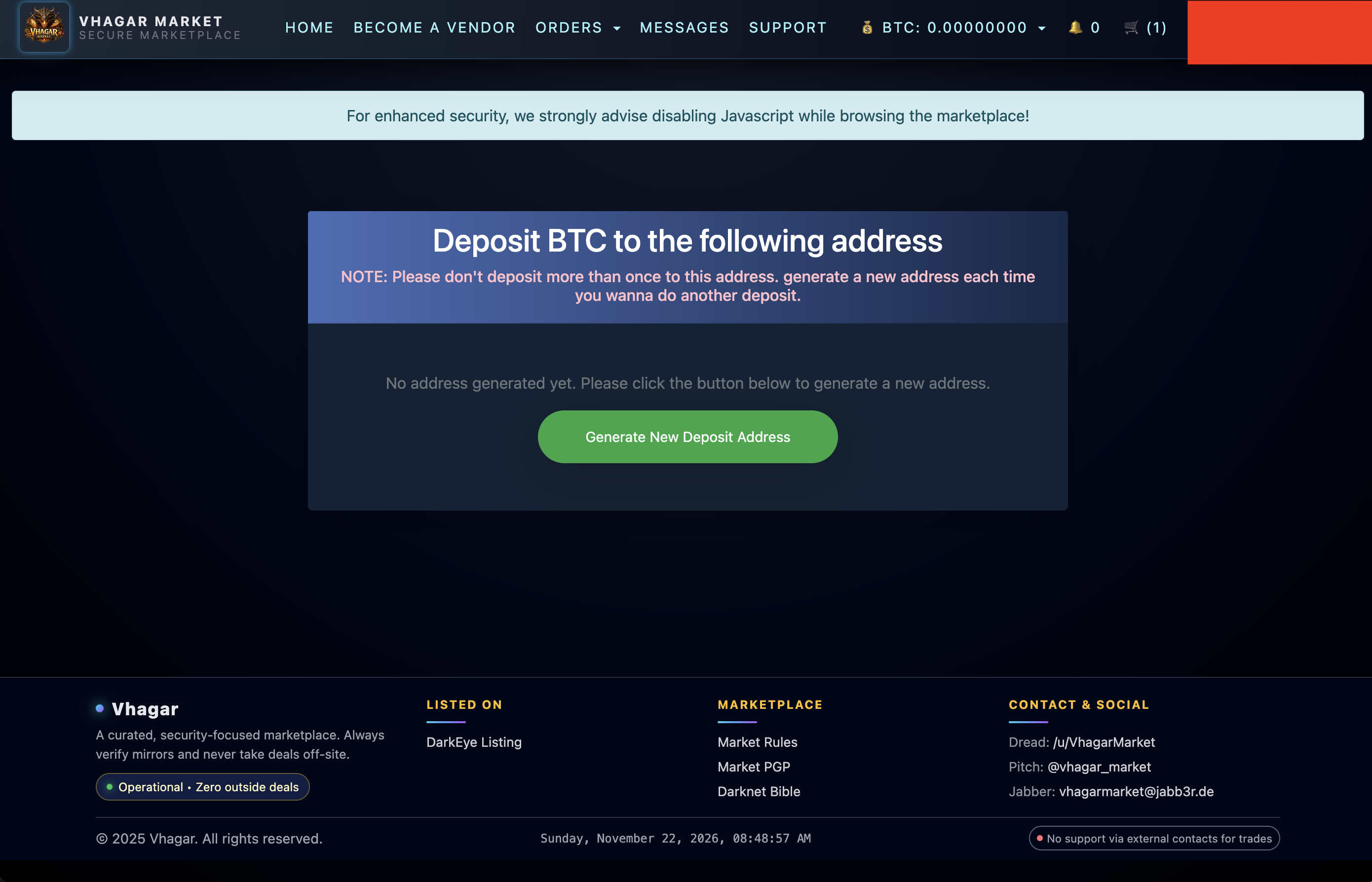
Go to your wallet/deposit page and choose BTC or XMR. Send crypto to the deposit address shown — Monero is recommended for privacy. Wait for confirmations, then your balance is ready to spend.
Step 5: Place Your First Order
Browse categories, pick a product from a well-rated vendor, add to cart, checkout, and pay. The market holds your payment in escrow until you confirm delivery. Full walkthrough in our how to order guide.
Quick Checklist
- ☐ Tor Browser installed and updated
- ☐ Verified onion address (not a phishing clone)
- ☐ Market PGP key fingerprint verified
- ☐ Account registered with strong credentials
- ☐ Recovery phrase saved offline
- ☐ 2FA enabled
- ☐ PGP key pair generated and uploaded
- ☐ Crypto deposited (XMR recommended)